Phomemo M220 Label Maker White & 1 Roll White Thermal Label 2.44" x 4"(62x100mm), Upgrade 3 Inch Barcode Portable Printer, for Office & Small Business, Compatible with Phones&PC
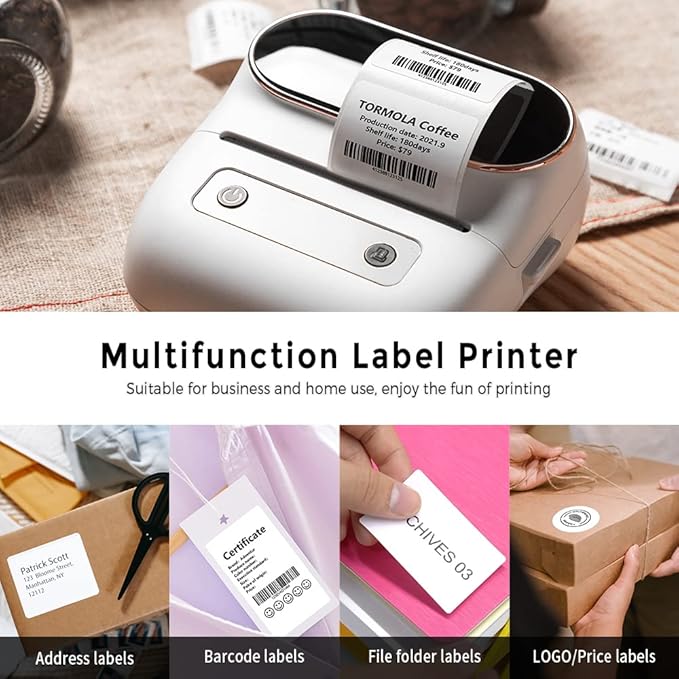
Thermal Bluetooth Label Printer - Never need the ink, toner, and ribbon again. Phomemo M220 barcode label printer prints using thermal technology, meaning you only need to restock on labels, Phomemo M220 label maker machine come with 100pcs 1.57"x1.18" label tapes.
Product Description: 62x100mm (2.44" x 4") | Labels per Roll: 80 | Colour: Black on White, Compatible with Phomemo M220/M200/M221 Label Printer.
Long Battery Life - Phomemo M220 wireless label printer upgrade 2200 mAh battery provides up to 36 rolls of continuous printing, newly added auto-sleep mode, which can reduce power consumption by 25% and extend the use time by 2-3 hours.
Powerful APP - Phomemo's R&D team create the Print Master APP for you, with a variety of built-in functions. One-click use: text, pictures, barcodes, QR codes, OCR, Form, hundreds of icons, and many pre-made templates for commercial and home use. Improve your efficiency.
High Compatibility - Phomemo M220 bluetooth label maker not only supports iOS, and Android mobile phone by Bluetooth connection, but also supports USB connection for Mac OS and Windows 10. (WARNING: For your better experience, please be sure to watch the software installation tutorial on the page)